
Manage every server at a glance.
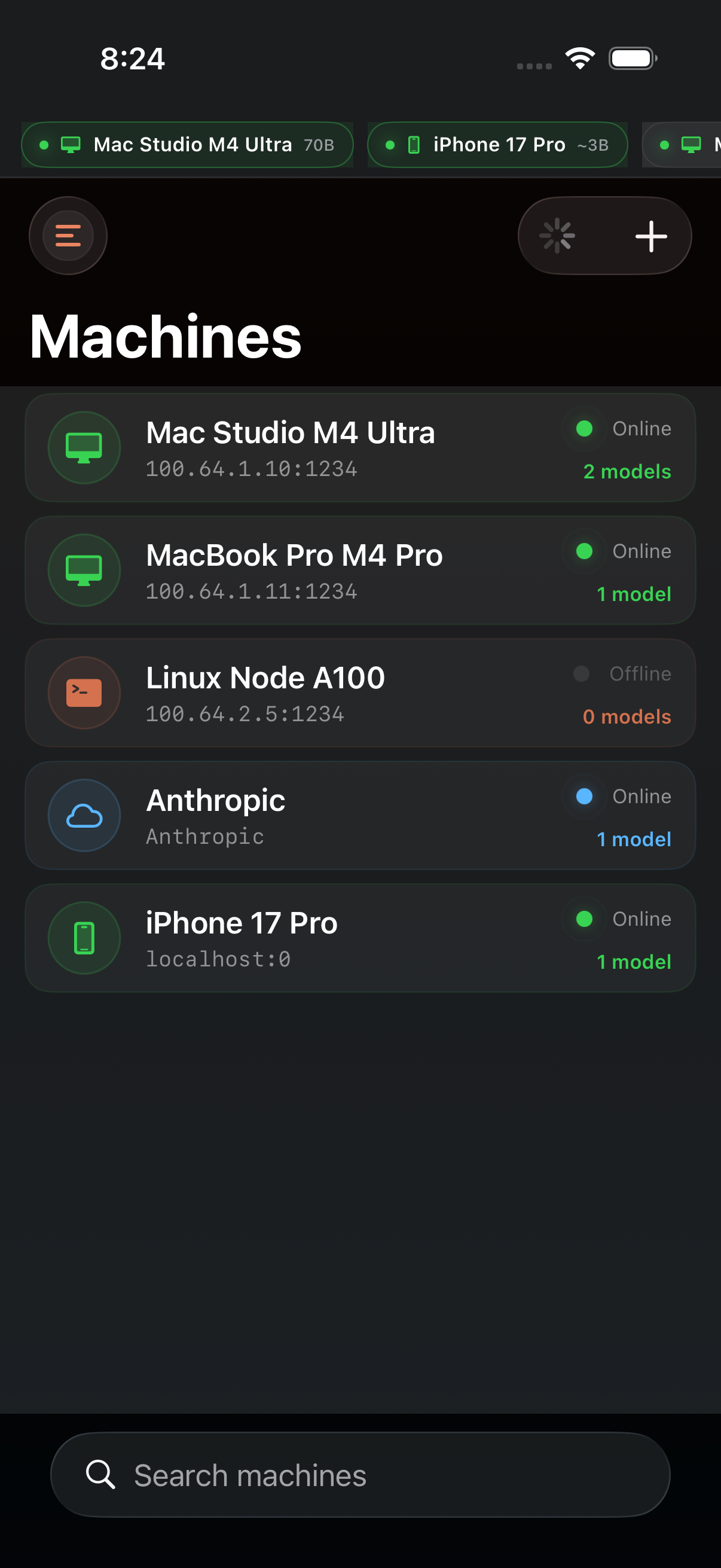
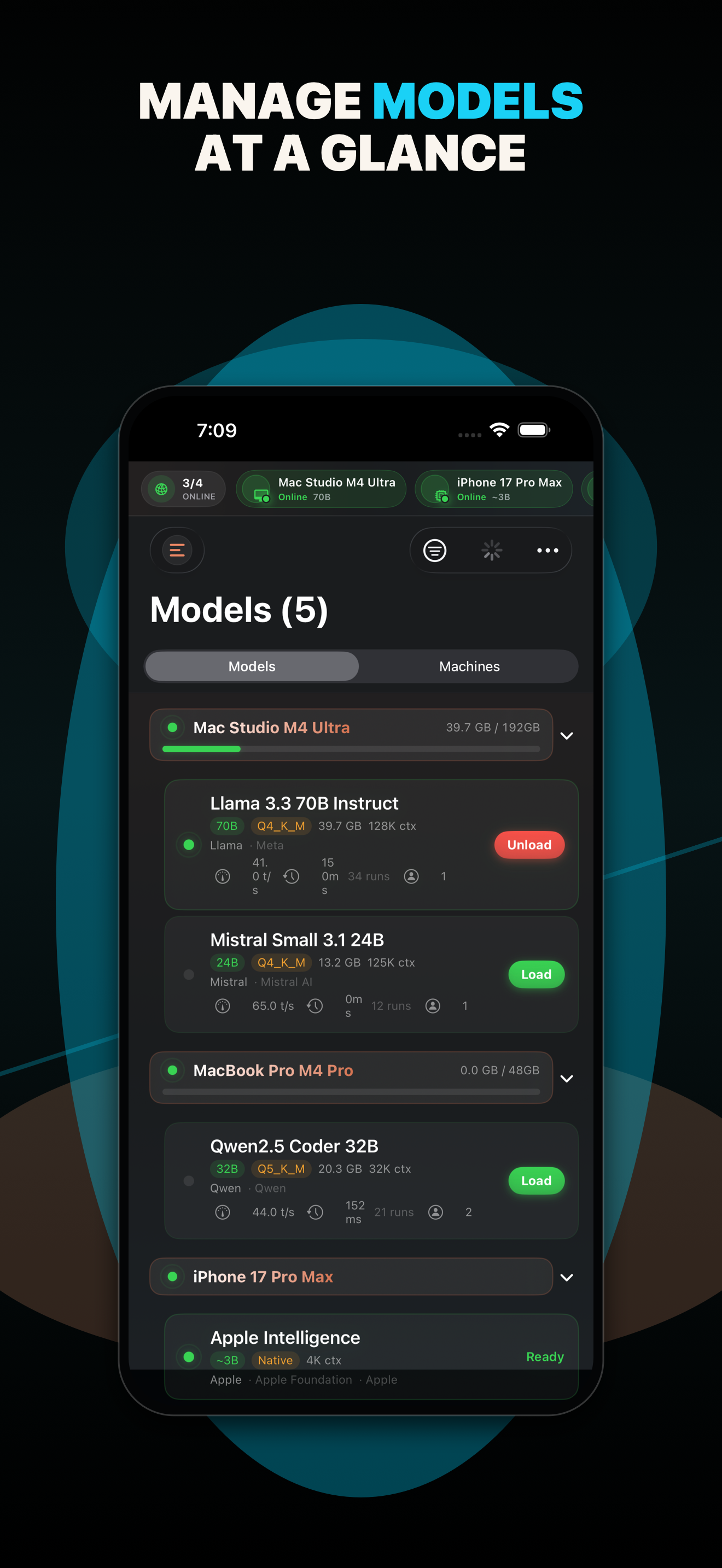
Add Mac Minis, workstations, or Tailscale peers as inference nodes. See loaded models, network health, and VRAM usage without switching tools.
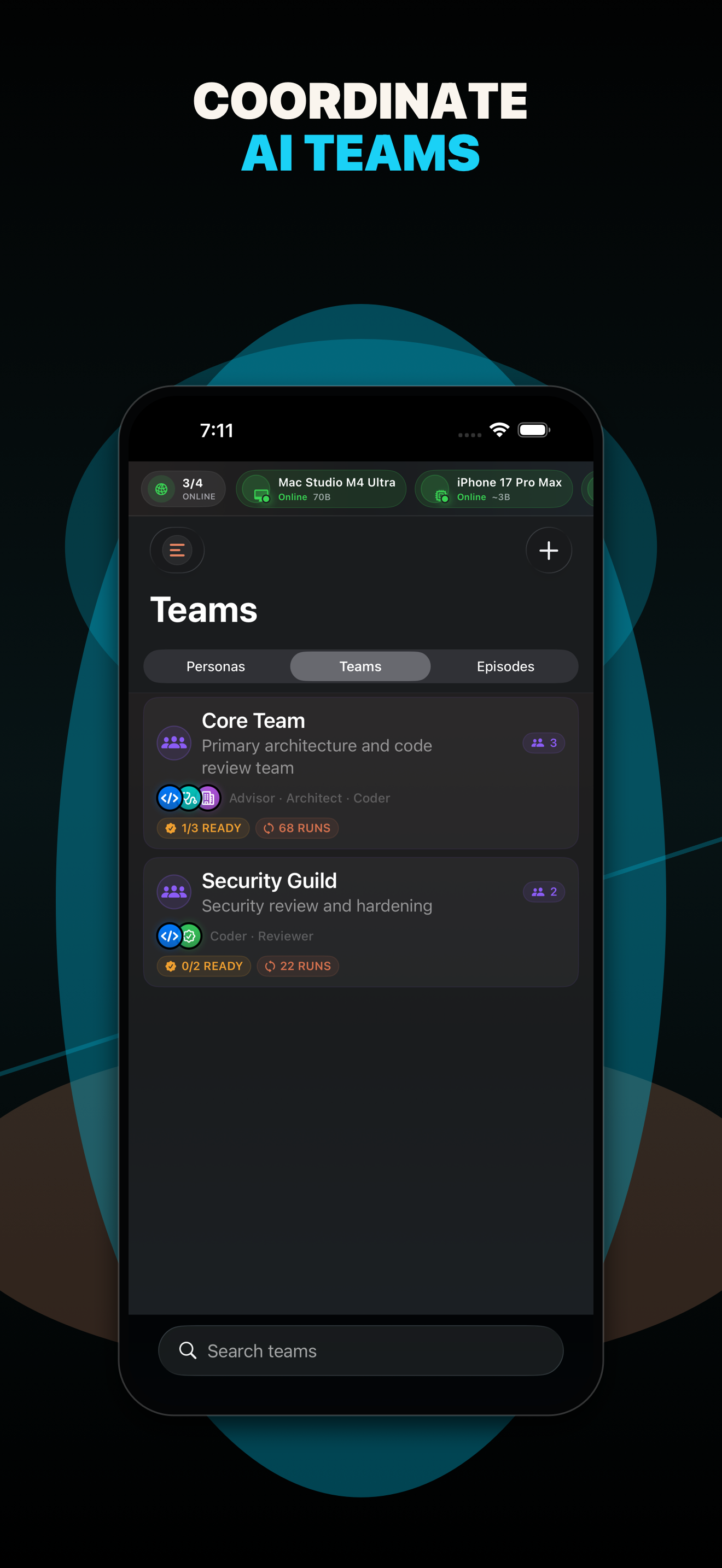
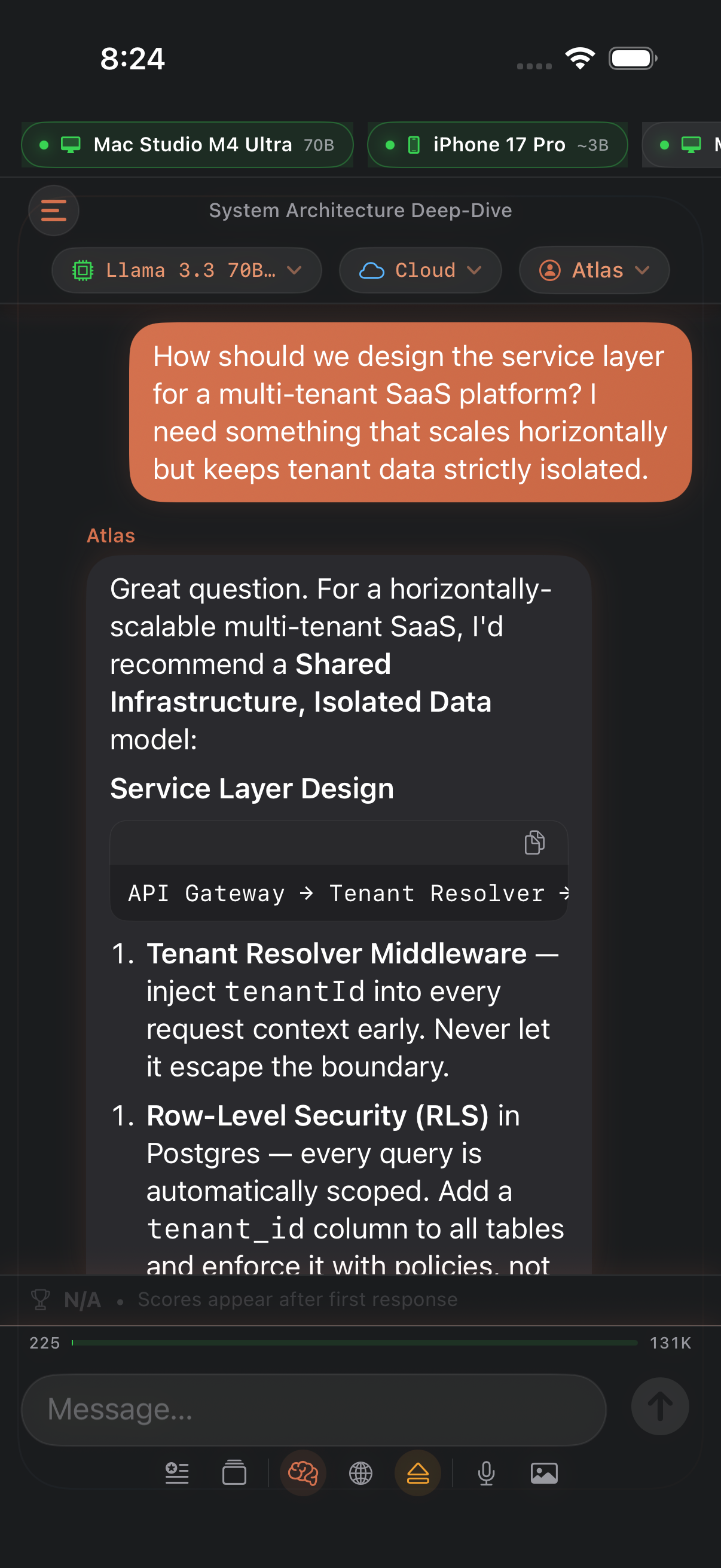
Connect LM Studio servers and top cloud AI providers. Run persona teams, benchmark with structured episodes, and track model performance.
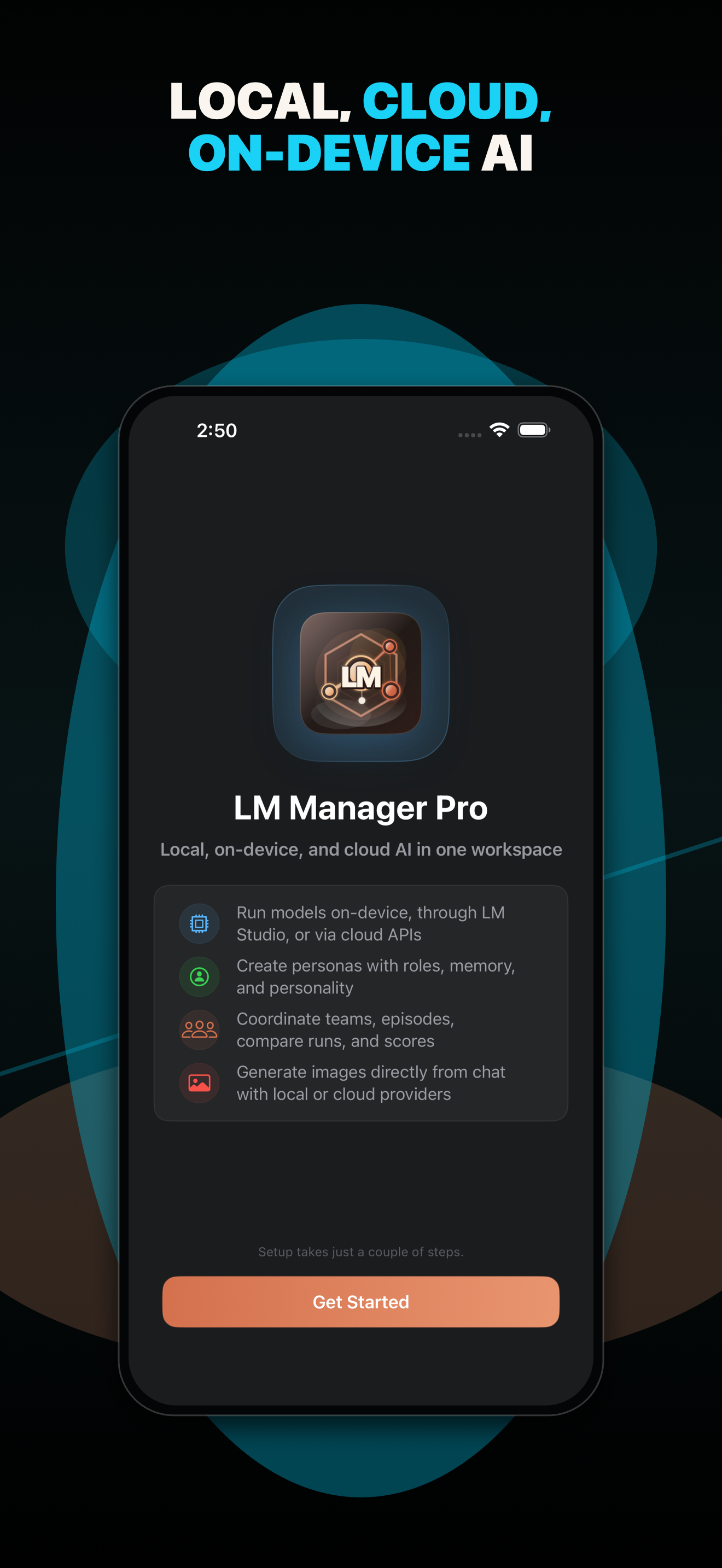
LM Manager Pro is a native iOS and iPadOS app for developers and AI enthusiasts who run their own language model infrastructure. It keeps local nodes, cloud providers, personas, episodes, comparisons, and performance history close together.
Add Mac Minis, workstations, or Tailscale peers as inference nodes. See loaded models, network health, and VRAM usage without switching tools.
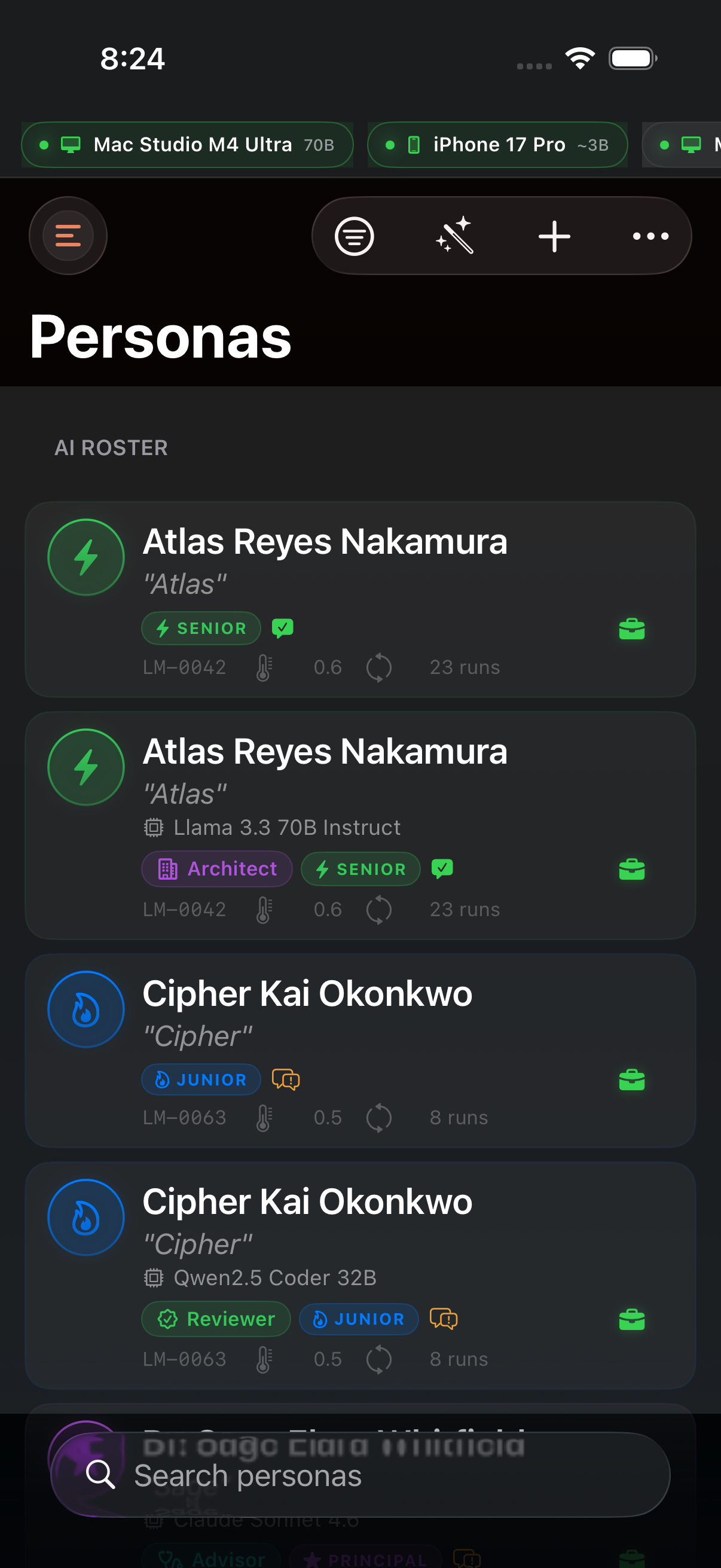
Give each model a name, role, personality overlay, and custom system prompt. Assign local and cloud models to the work they do best.
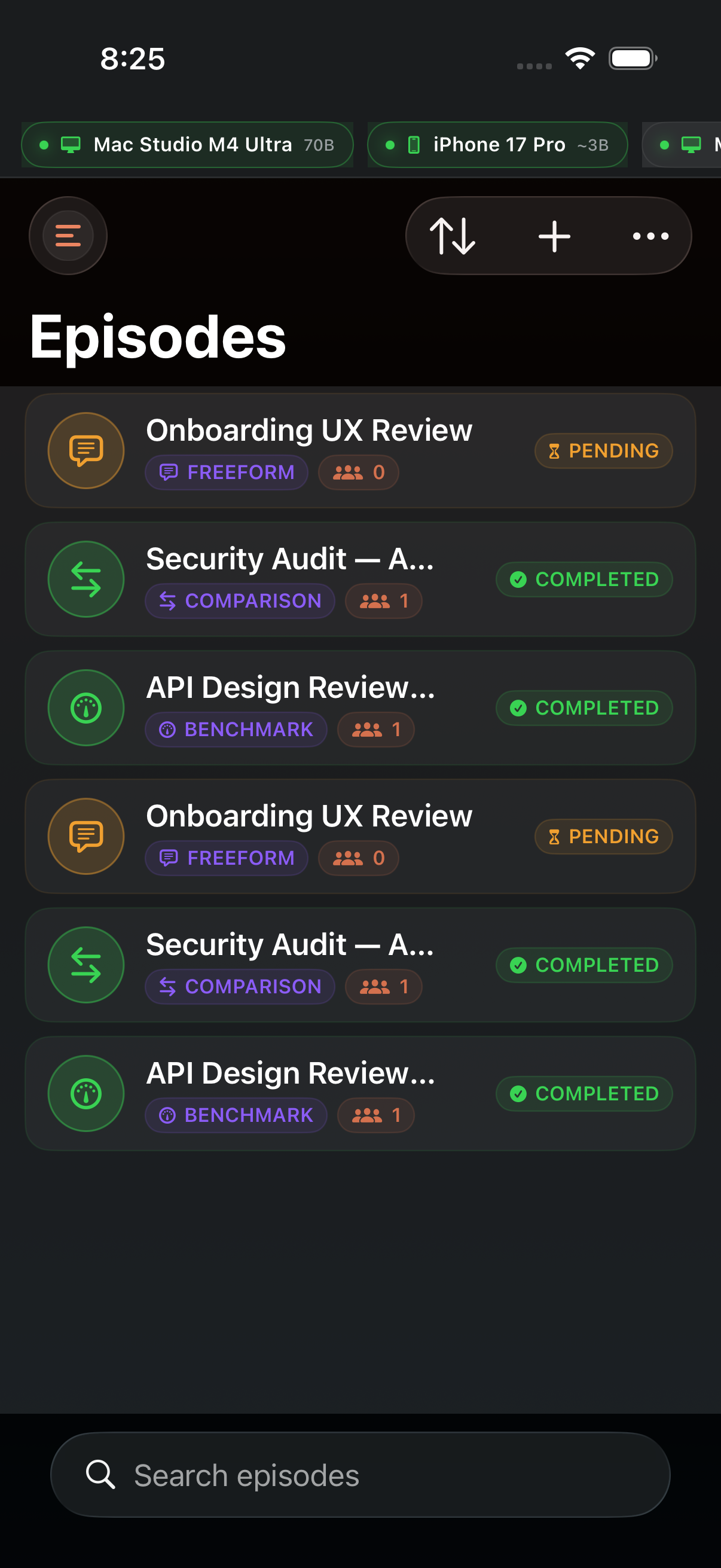
Run multi-step prompt scripts with pause points and archived history, then compare results across models, teams, and sessions.
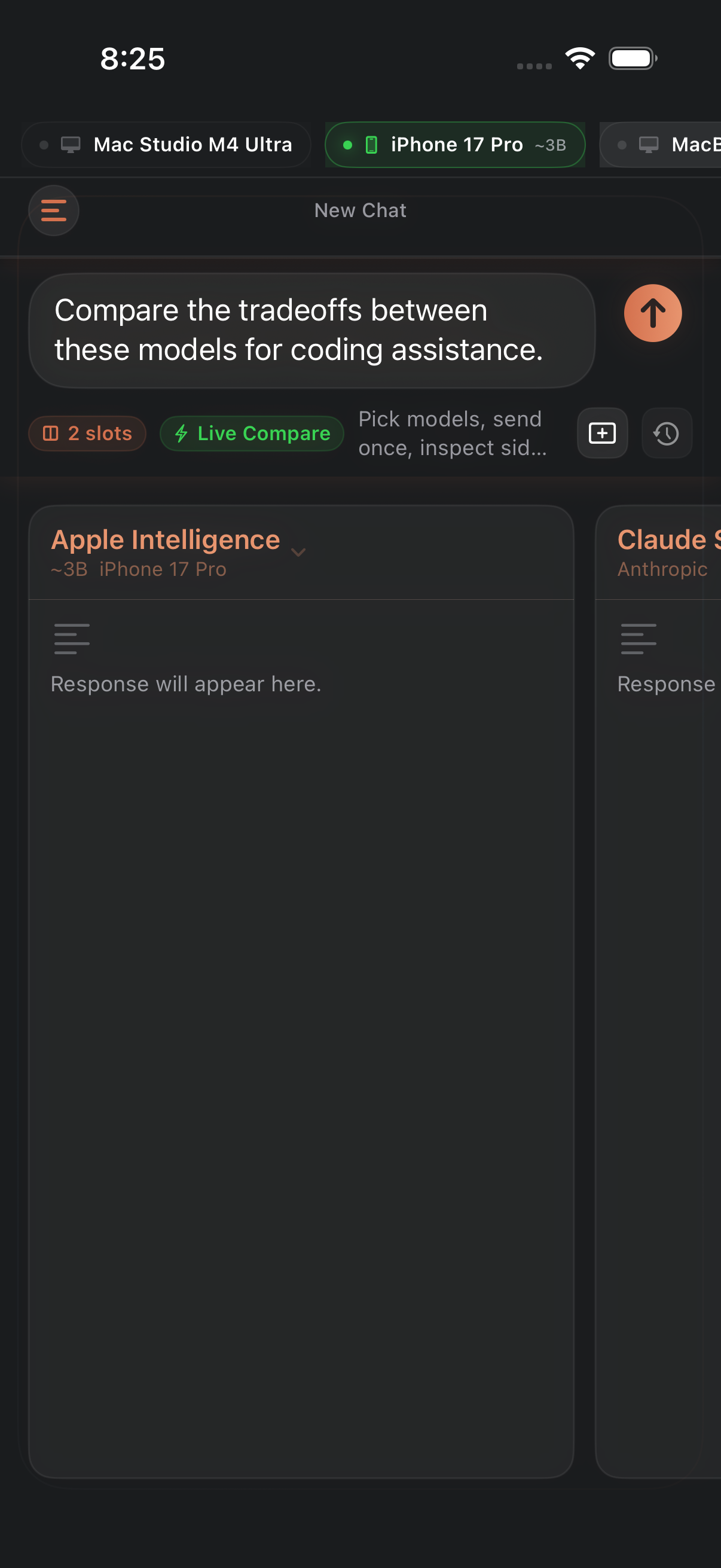
Run the same prompt across two to four models in parallel with live TPS, TTFT, token count, and completion time.
Browse a chronological feed of AI responses across sessions, sorted by newest, fastest TPS, most tokens, or session type.
No accounts, no analytics, and no telemetry. Export your full dataset as JSON for backup or migration when you need it.
Current App Store marketing screenshots from the latest LM Manager Pro build.
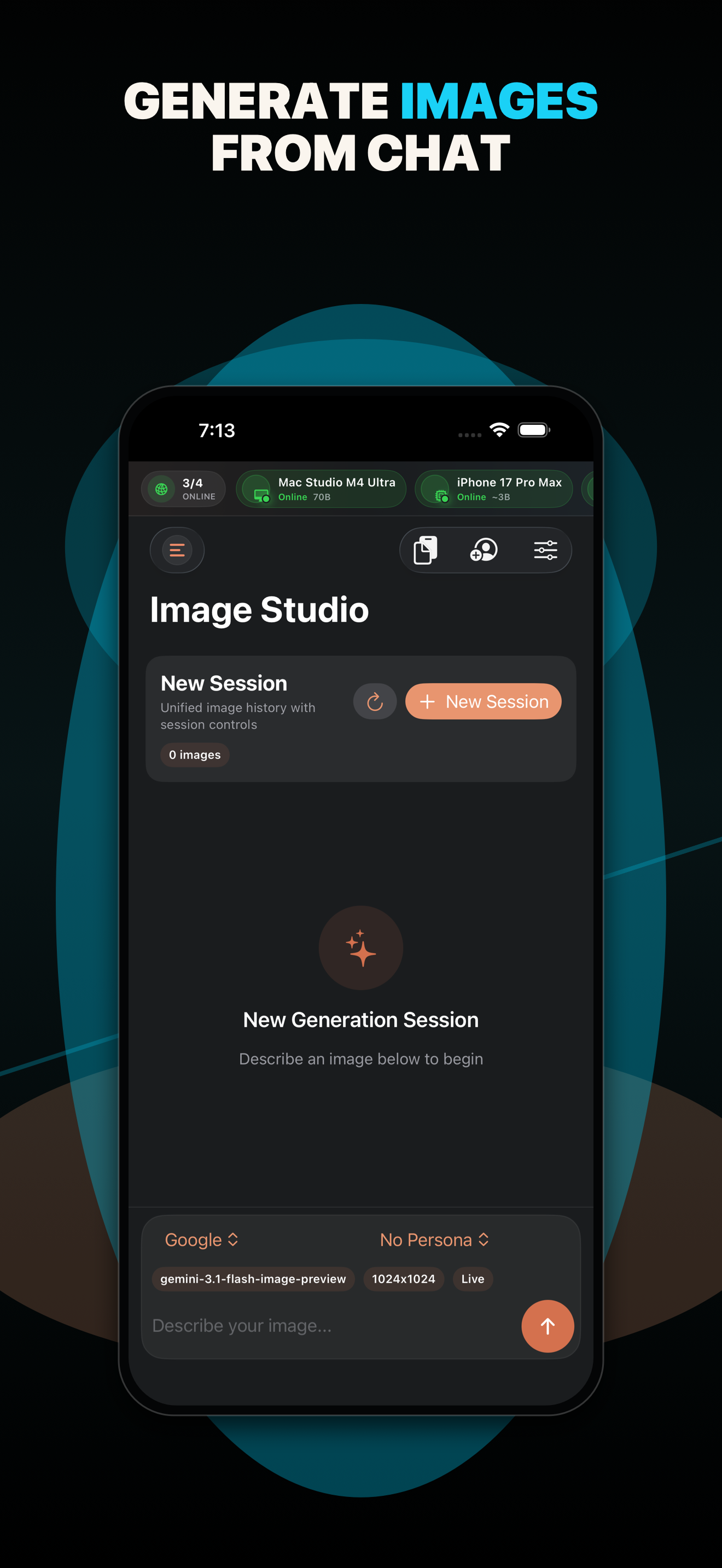
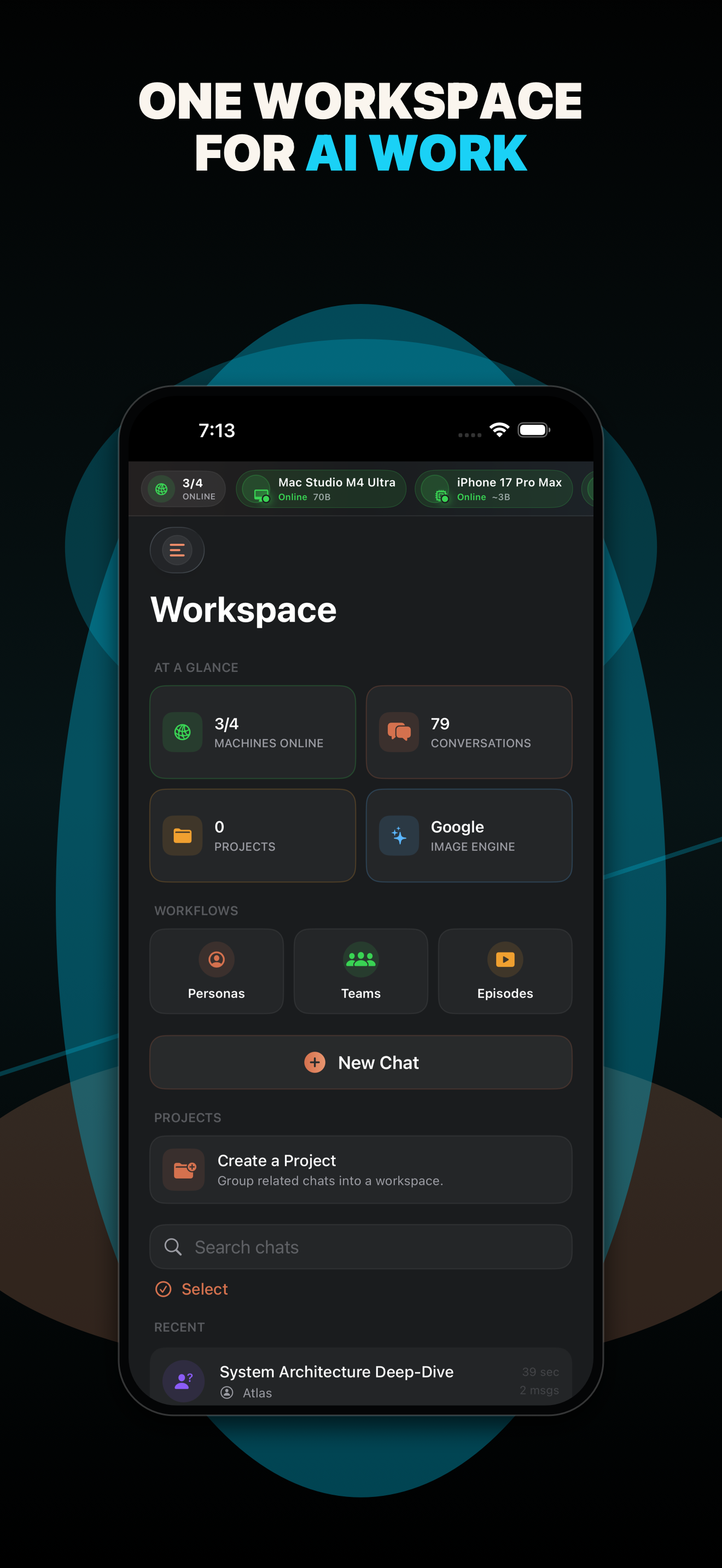
This repository supports the private native app with a public product page, browser companion, privacy policy, and GitHub-backed feedback queue. Status is based on the code and deployment evidence in this repo.
Built
Available
The support page opens a private, prefilled email draft without a GitHub account, and the public issue queue remains available to browse. The native public-issue relay and private-tracker bridge remain separate operational workflows.
Open issues on GitHubNext
Later
Add repeatable browser smoke checks for the public board and narrow layouts, then record dated verification beside future support-flow changes so the site distinguishes implemented code from proven service health.
The private native iPhone and iPad app this public companion supports.
Visit product pagePublic support site, feedback queue, relay source, and browser companion.
View source on GitHubBrowse requests, follow progress, and keep privacy details one click away.